Home BETTING TOOLKIT USER GUIDE Automation Actions Play Sound Action
Play Sound Action
Updated on 2026-09-06Allows a sound alert to be played when a specific set of conditions is met, according to the logical structure of the strategy.
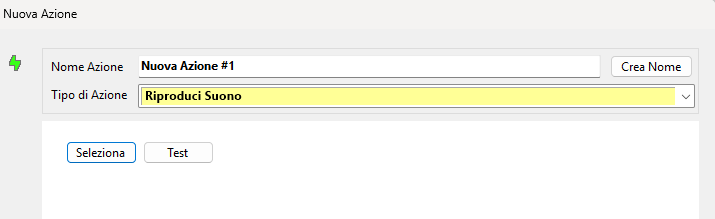
Simply click the Select button and specify the path to a WAV file. If desired, click the Test button to preview the sound, then click OK to confirm the creation of the Action.
