Home BETTING TOOLKIT USER GUIDE Automation Actions Send Telegram Message Action
Send Telegram Message Action
Updated on 2026-09-06This Action sends a Telegram message to the account specified in the program Options.
The only parameters that need to be specified are the reference market and the message to be sent. However, for this Action to work, some preliminary setup is required, as described below.
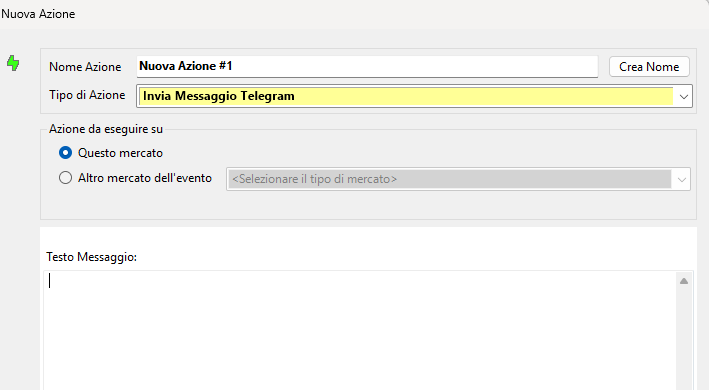
To enable this feature and receive messages sent by Betting Toolkit on your Telegram account, you must complete these two simple steps:
1. Send a message, just once, to the Betting Toolkit bot. You can easily find it by entering "Betting Toolkit Robot" or "bettingtoolkitbot" in the contact search field of the Telegram app installed on your smartphone. The web URL is https://t.me/bettingtoolkitbot for those accessing Telegram from a PC
2. Set your Telegram account ID in the General tab of Betting Toolkit Options. To obtain your Telegram ID, simply enter "userinfobot" in the contact search field of the Telegram app installed on your smartphone.
The message text sent by the Send Telegram Message Action can contain specific variables that, when the message is composed and sent, will be replaced with the actual market values. See the list of currently available variables.
